

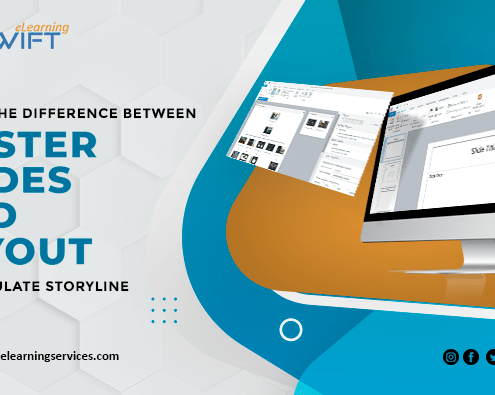
Difference between Master Slides and Layouts – Tips on how to use them in Articulate Storyline 360
In the realm of eLearning content development,…
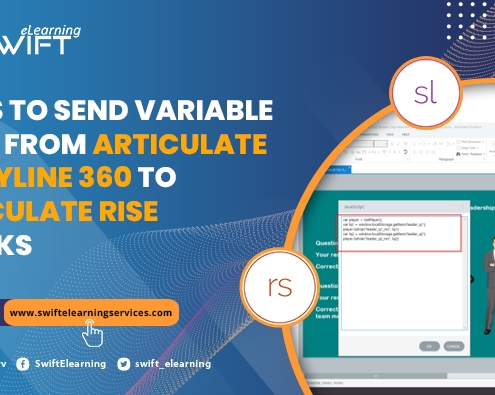
Steps to Send Variable Data from Articulate Storyline 360 to Articulate Rise Blocks
Articulate Storyline 360 with its customization ability using…

Step-by-Step: Create Engaging Parallax Effects in Storyline
Level up your elearning courses with the parallax scrolling effect. Let’s imagine when we deliver the course beyond the learner expectation, did he feel amaze?

SENDING LEARNER’S SCORE TO LMS USING JAVASCRIPT IN ARTICULATE STORYLINE
JavaScript lets you extend the functionality of authoring tools like Storyline 1, Storyline 2 or Storyline 360. JavaScript in Storyline 360 gives you control to manipulate and use the information coming from LMS and being sent to LMS. In this blog, we will discuss the steps on how to send learner score to LMS Using JavaScript.