
Custom eLearning and Digital Training Solutions Provider
  • Home
  • eLearning Services
    • Custom Elearning Solutions
    • Convert PowerPoint to eLearning
    • Rapid eLearning Development
    • Translation and Localization
    • Flash To HTML5 Conversion
    • Legacy Content Conversion
    • Mobile Learning
    • Gamified Learning Solutions
    • Blended Learning Solutions
  • Software Development
    • Learning Management System
    • Workforce Management System
    • Human Resource Management System
    • Bug Tracker Software
    • Custom Software Development
  • Contact Us
  • Blog
  • Search
  • Menu Menu
  • 0Shopping Cart
  • Home
  • eLearning Services
    • Custom Elearning Solutions
    • Convert PowerPoint to eLearning
    • Rapid eLearning Development
    • Translation and Localization
    • Flash To HTML5 Conversion
    • Legacy Content Conversion
    • Mobile Learning
    • Gamified Learning Solutions
    • Blended Learning Solutions
  • Software Development
    • Learning Management System
    • Workforce Management System
    • Human Resource Management System
    • Bug Tracker Software
    • Custom Software Development
  • Contact Us
  • Blog
Adobe Captivate 2019 – Creating Custom Mute and Unmute Audio Button Using Advanced Actions and Variables

Adobe Captivate 2019: Custom Mute and Unmute Audio Button

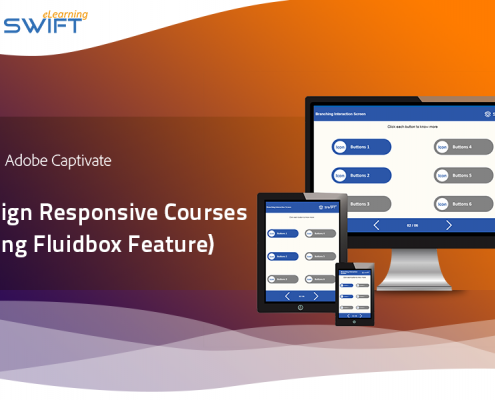
Responsive eLearning courses using Adobe Captivate 2019 Fluid Boxes

Design Responsive eLearning Courses using Fluid Box Feature – Adobe Captivate 2019

March 15, 2021
/
0 Comments
What's New in Articulate Storyline 360 - Improved Accessibility, Faster Workflows & More Possibilities

What’s New in Articulate Storyline 360 – Improved Accessibility, Faster Workflows & More Possibilities

February 3, 2021
/
0 Comments
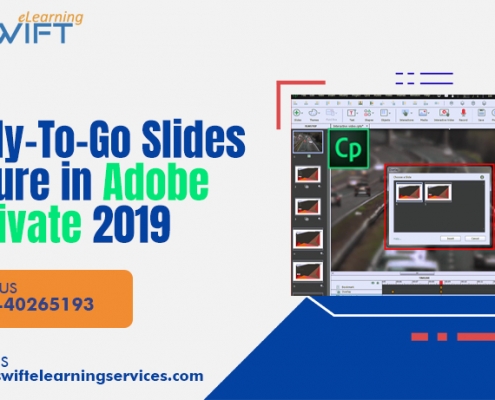
Steps to create an eLearning Course Using Ready-To-Go Slides feature - Adobe Captivate 2019

Steps to Create an eLearning Course Using Ready-To-Go Slides Feature – Adobe Captivate 2019

January 27, 2021
/
2 Comments
Here are the steps to design elearning courses using Ready-to-go Slides feature in Adobe Captivate 2019.
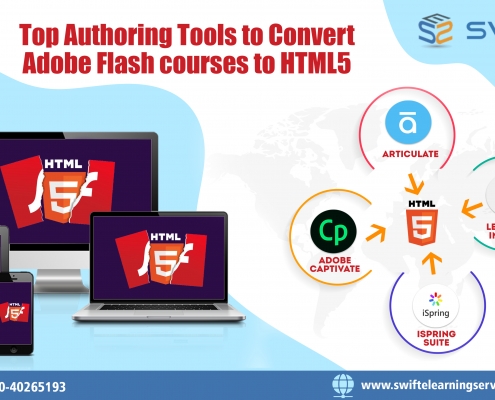
Top Authoring tools to Convert Flash to HTML5

Top Authoring Tools to Convert Adobe Flash courses to HTML5

January 8, 2021
/
0 Comments
As the support to FLASH ended, Here are the top best authoring tools to convert flash to HTML5 eLearning and facilitates an effective conversion process.
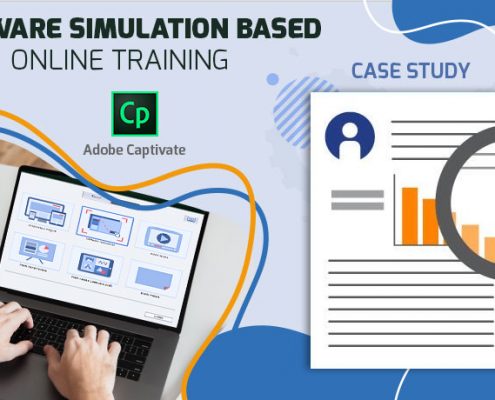
Software simulation based online training – Adobe Captivate

Case Study: Software Simulation Course Using Adobe Captivate

September 24, 2020
/
0 Comments
An LMS can eliminate all sorts of complexities that faced during the traditional classroom method learning.
Section 508 Compliance - Articulate Storyline 360

Section 508 Compliance Elearning – Articulate Storyline 360

September 11, 2020
/
0 Comments
An LMS can eliminate all sorts of complexities that faced during the traditional classroom method learning.
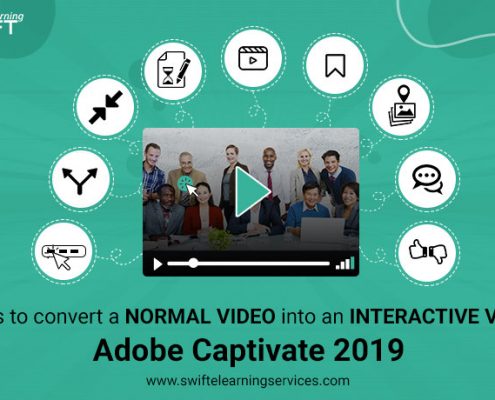
Interactive video using Adobe captivate 2019

Convert Video Into Interactive Using Adobe Captivate 2019

September 5, 2020
/
0 Comments
An LMS can eliminate all sorts of complexities that faced during the traditional classroom method learning.

Gamification-elearning-AELHChallenge

Gamification to Enhance Your Elearning Assesments: Storyline

May 6, 2020
/
0 Comments
This scrolling panels elearning example interaction designed using articulate storyline authoring tool.
Page 17 of 31«‹1516171819›»

GET A FREE ELEARNING SAMPLE

We transform your training material into engaging, SCORM-compliant courses.

Request a Free Sample  

Our Services


  • Rapid eLearning Solutions

  • Custom eLearning Development

  • Flash to HTML5 Conversion Services

  • Mobile Learning Solutions

  • Translation and Localisation Services

  • Gamification eLearning

Our Office Address

Asia: 704, Topaz Plaza, Punjagutta, Hyderabad, Telangana, India 500082

Australia: P.O. Box 107, Brisbane, Queensland, 4030

Canada: 750 Oakdale Rd Suite 56, North York, ON M3N 2Z4, Canada

USA: 12218 Old Gage Ranch, San Antonio, Texas 78245

Copyright ©2026 Swift eLearning Services.
  • Facebook
  • Twitter
  • LinkedIn
  • Youtube
Scroll to top