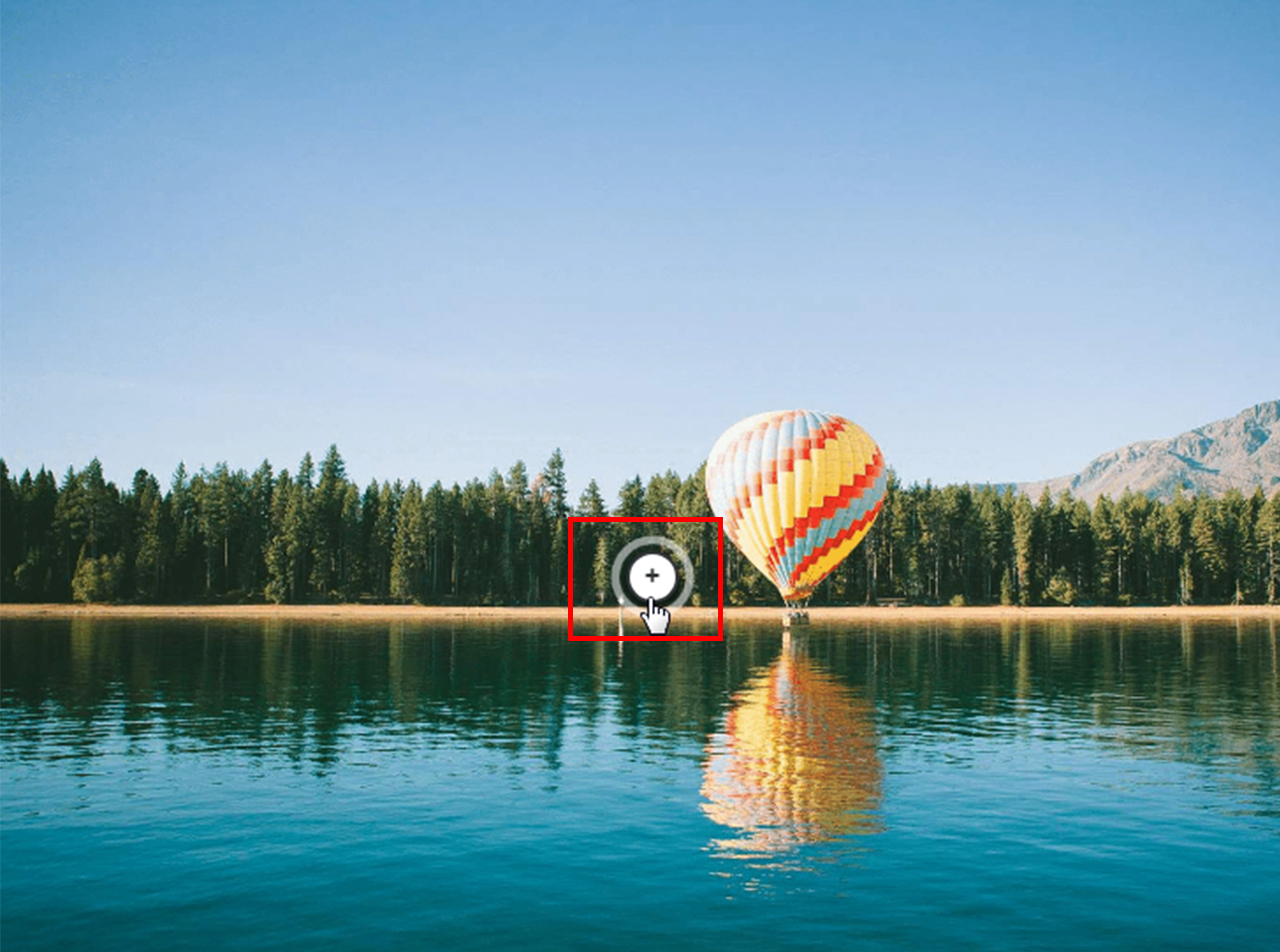
Then, drag the markers with the mouse and position them in desired area on the image.
https://www.swiftelearningservices.com/wp-content/uploads/2024/05/swiftelearningservices-logo.webp00Swift Elearning Serviceshttps://www.swiftelearningservices.com/wp-content/uploads/2024/05/swiftelearningservices-logo.webpSwift Elearning Services2019-04-09 11:47:382019-04-09 11:47:38Then, drag the markers with the mouse and position them in desired area on the image.
0replies
Leave a Reply
Want to join the discussion? Feel free to contribute!

Leave a Reply
Want to join the discussion?Feel free to contribute!